
Godot Cheatsheet Viewer
A downloadable cheatsheets collection
This is a very cool plugin for Godot Engine 4.6+
You use it to pin images (like cheatsheets) ontop of the editor!
Free!!!
The plugin is free! The cheatsheets are also free! The only paid thing here is the optional Ready-To-Go collection!!
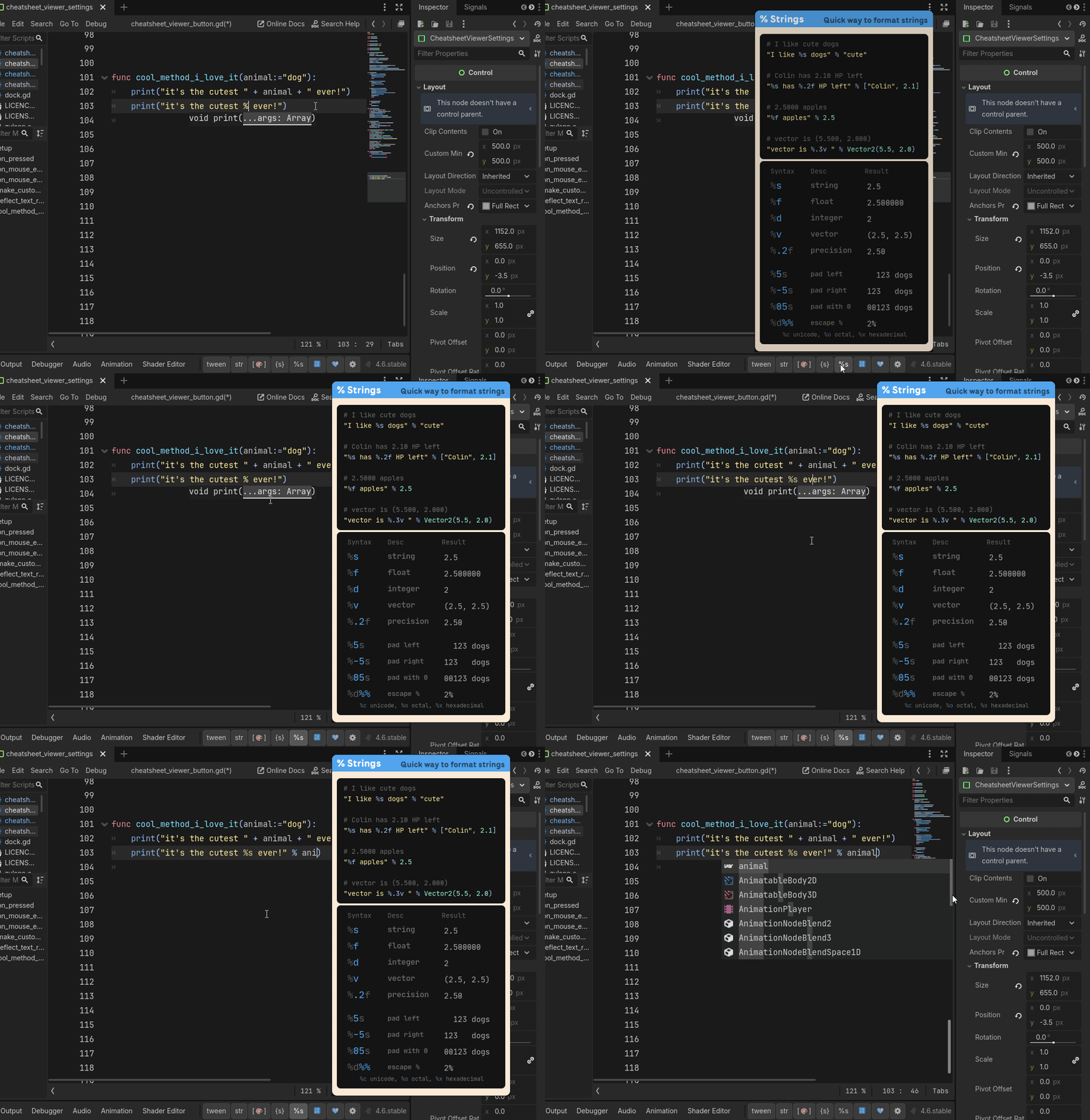
Combined with my free cheatsheets, it could help you if:
- you use Godot because you are cool
- you would rather avoid openning the docs just for tiny things
- you use BBCode in richtextlabels and cant remember all the tags
- you want to keep the recommended code order nearby without printing it
- You loved my tween guide but keep forgetting their syntax
- You have a complex NPC relationship chart and would like to keep it nearby
- You have a picture that keeps you sane while debugging (like a cute dog)
Some Cool Features
The plugin has tons of cool features like these:
- pin cheatsheets ontop of the editor in 3 ways, including keyboard shortcuts
- quickly view cheatsheets without pinning them (like tooltips)
- add buttons at the bottom of the screen to keep your favorite cheatsheet nearby
- ctrl+click buttons/cheatsheets to open a related doc/tutorial
- alt+click button/cheatsheets to open them in your OS image viewer
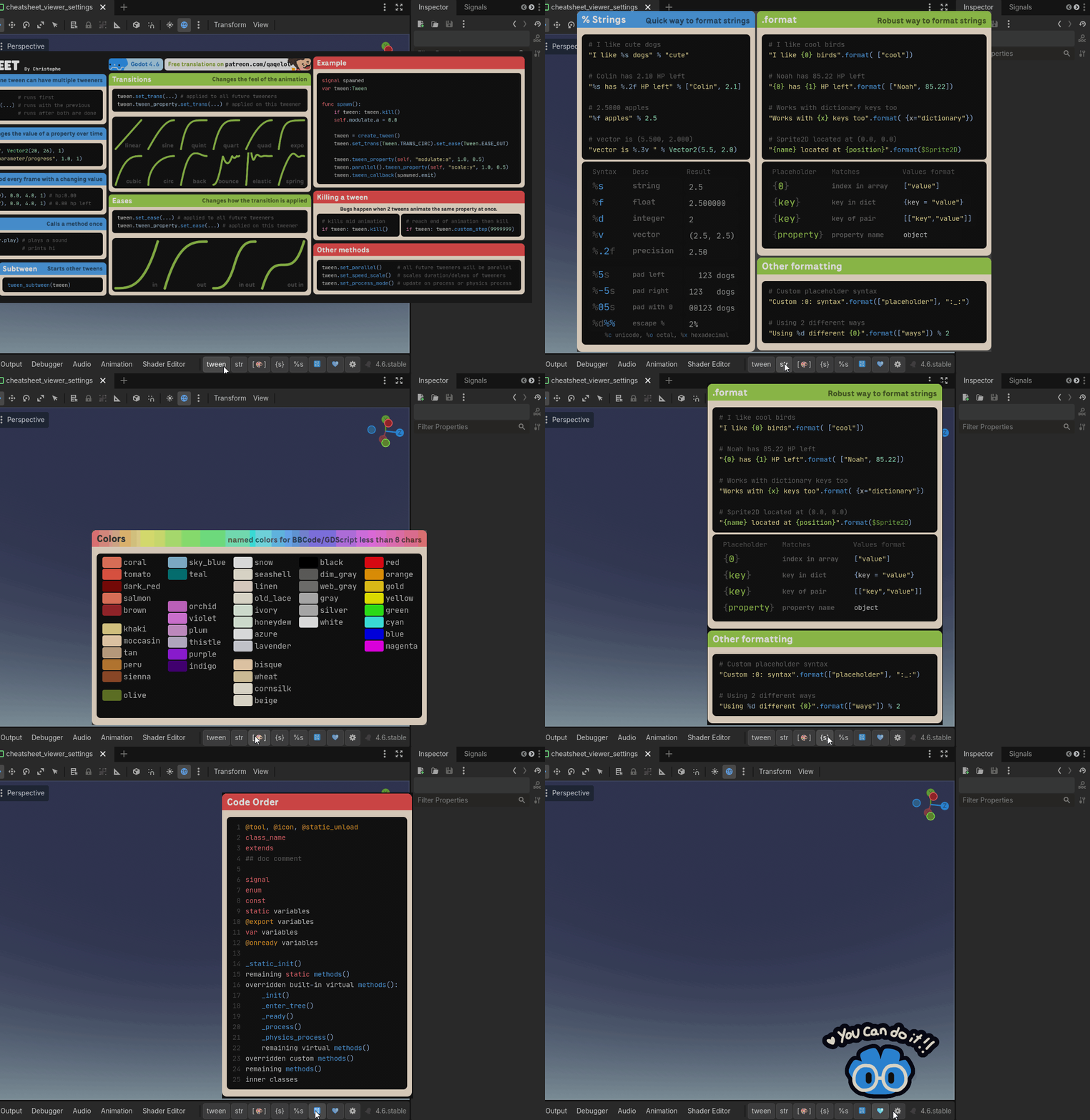
- configure the plugin with a user-friendly interface
- enable/disable your cheatsheets globally and per project
- use the "New Cheatsheet Helper" tab to make a cheatsheet out of any image
Works across projects
All your cheatsheets and settings are saved globally! They will be available in all your projects (that also use the plugin)!!
Installing the Plugin
- Open a project in Godot
- If there isnt a folder called addons in your project, create it (
res://addons/) - Download the plugin.zip at the bottom of this page
(It will be available in the AssetLibrary soon) - Unzip it, and drag the cheatsheet_viewer folder in the addons directory.
In other words, you should have this nowres://addons/cheatsheet_viewer/ - Go in Project > Project Settings > Plugins and enable the cheatsheet viewer plugin (docs)
Once the plugin is installed, you will need cheatsheets!
Adding Cheatsheets
Cheatsheets are stored outside of your project directory,
that way you can access them in all your other projects!!
There are 2 ways you can add cheatsheets:
- You can use the "New Cheatsheet Helper" tab to import any image (like my cheatsheets)
- You can download the Ready-To-Go collection to get +14 preconfigured cheatsheets
You can support me and save some time by getting the Ready-To-Go cheatsheets collection!
Instead of going on each of my free cheatsheet pages and downloading/converting images one by one,
you simply download one file and follow the 2 steps in the "About" tab
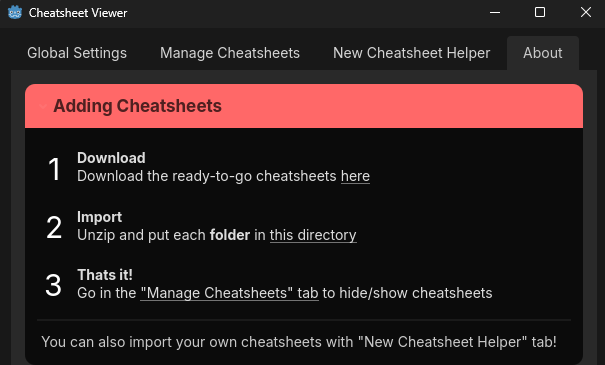
The Ready-To-Go Collection contains:
- preconfigured versions of all my free GDScript cheatsheets
- preconfigured versions of all my free BBCode cheatsheets
- preconfigured versions of all my free Colors cheatsheets
- preconfigured versions of all my free Text Formating cheatsheets
- preconfigured versions of all my free (en) Tweens cheatsheets + 2 extra
- preconfigured version of an exclusive silly cheatsheet
Free Ready-To-Go Updates!
The full Ready-To-Go collection currently contains 14+ preconfigured cheatsheets!
I will most likely continue updating them and creating new ones.
You will get these potential updates/new cheatsheets for free if you already bought the collection!
There is also a smaller ready-to-go collection if you want to try it (with 4 preconfigured cheatsheets)!
Purchase
In order to download this cheatsheets collection you must purchase it at or above the minimum price of $8 USD. You will get access to the following files:
Download demo
Leave a comment
Log in with itch.io to leave a comment.