
Curve Gradient Generator
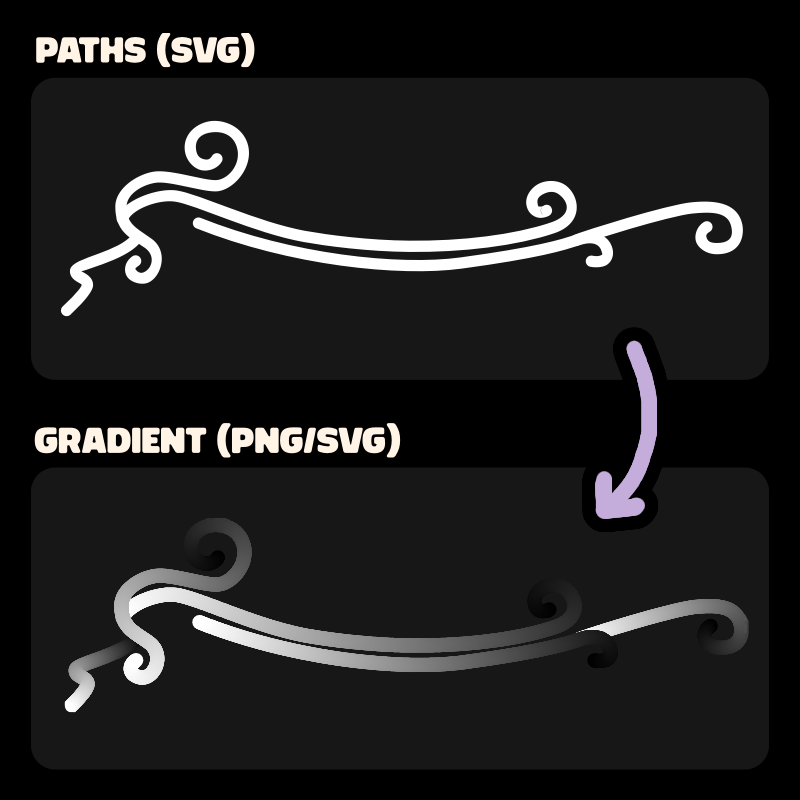
This tiny tool lets you create grayscale gradients along svg paths.
You can then export the gradient as a png or an unconventional svg.
This tool has some major quirks and might mislead you.
Please read the page description!
Intended Use
I made this to animate complex drawings like ornaments / magic symbols in Godot (a game engine).

You can achieve better results using multiple line2D in Godot.
With this solution, you'll be using 2 textures and a shader instead,
which is easier for user interfaces or small details.
Full guide
If you want to use it for you games, please read the tutorial.

Important notes
Importing a file
This tool will most likely break if you import a fancy svg. To ensure it will work :
- only use paths. No circle, no rect, no text, no polyline...
- avoid layers, nested groups, clipping groups, images, or fancy features
- mind the size of your svg document, as the exported png will be of the same size
Dangerous SVG export
If you export the result as a svg, be aware that there will be one element per shade of gray, per path.
So a single path can be made of 250+ circles, which can be a pain to edit after, and slow down your game/webpage/software.
Animation Preview
The animation preview can be very different than the result in Godot. Please read the tutorial for more information.
Controls
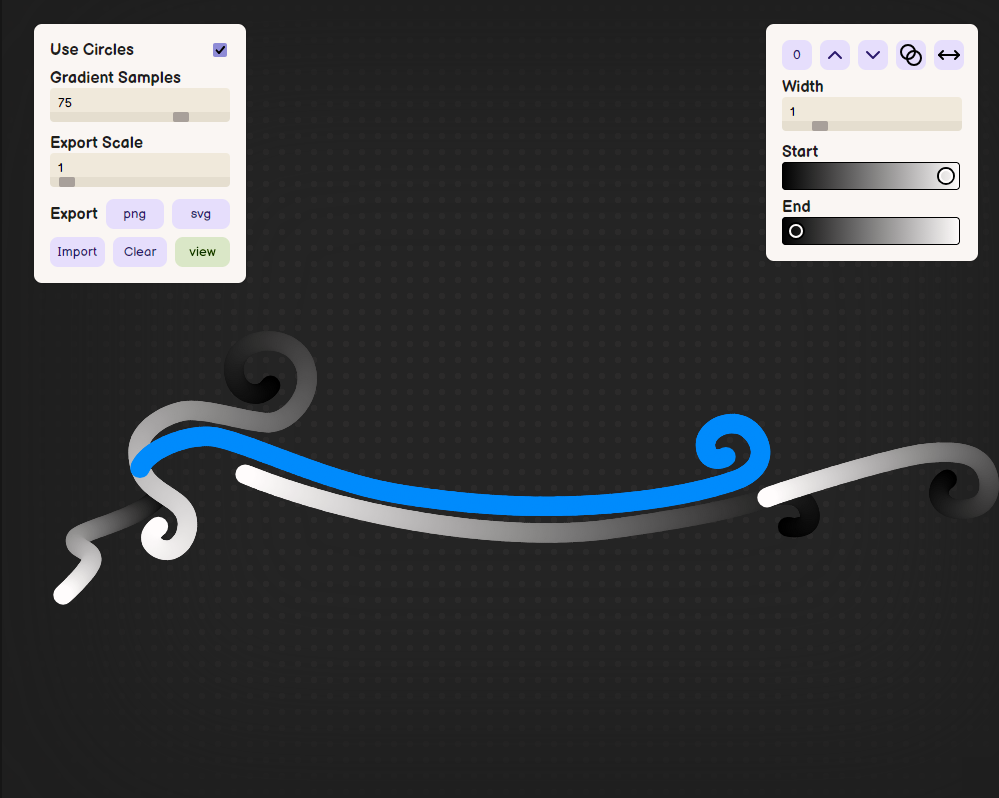
- Click and drag to move the viewport
- Click on a path to select it and modify its settings in the inspector panel
- ↑↓ to lower/raise the selected path (z order)
- ←→ select previous/next path
- Space to play the preview animation
- Home to reset the inspector panel position
Credits
- Akwardly coded by Christophe
- Libraries
Development log
- Usage Tutorial (Inkscape + Godot)Jan 06, 2026
Comments
Log in with itch.io to leave a comment.
Pretty cool
No you >:D
Da GOAT again! I will absolutely use it in my next cozy game!!!
Ohh i would love to see what you make with it!!
That’s a really cool tool, will it be downloadable later?
Thanks! Its not planned at the moment (but maybe later?)