
Godot Controls & UI Guide
Want to improve the UI of your games?
Want to make interfaces that works on different screens?
Wake up at night screaming "WHEN WILL I UNDERSTAND CONTROL NODES?"?
Well, this guide is made for you (if you use Godot 4.5+)!
Other questions you'll get answers to : how to use controls nodes? How to use themes in Godot? Why cant I move control nodes? What are anchors? What does Expand mean? How to make an inventory? how to implement drag and drop? How to make a start and a pause menu?
What's in it?
This guide is made of individual pages that are :
- interactive (you can play with em)
- accompanied with code snippets (and visuals)
- easy to understand (1 - 2 sentences long)
- hand crafted with love (some have secrets)
- free (no money)
It's divided in 3 categories:
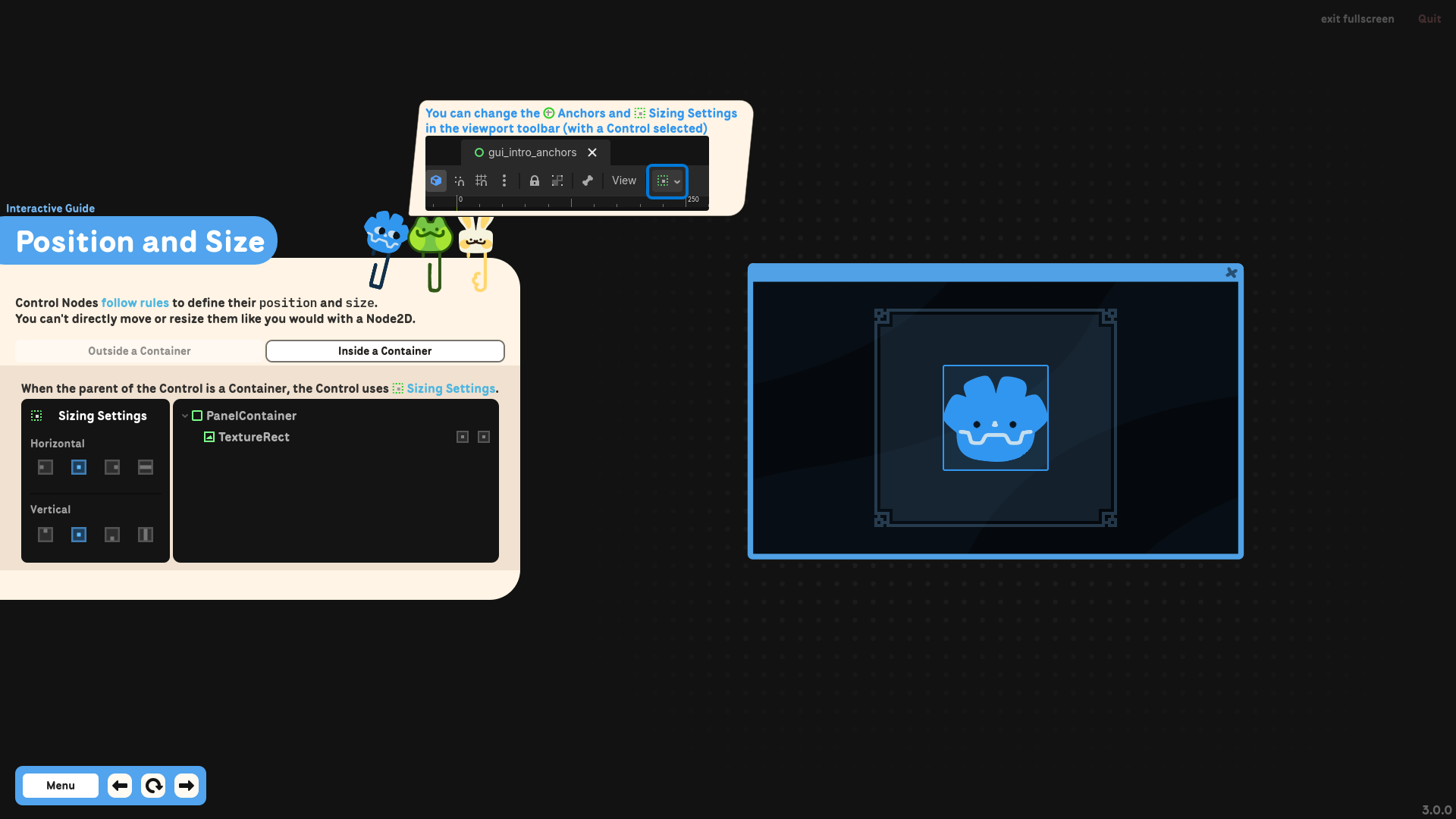
- 🔵Interactive Guide: pages that explains Control Nodes/UI in general
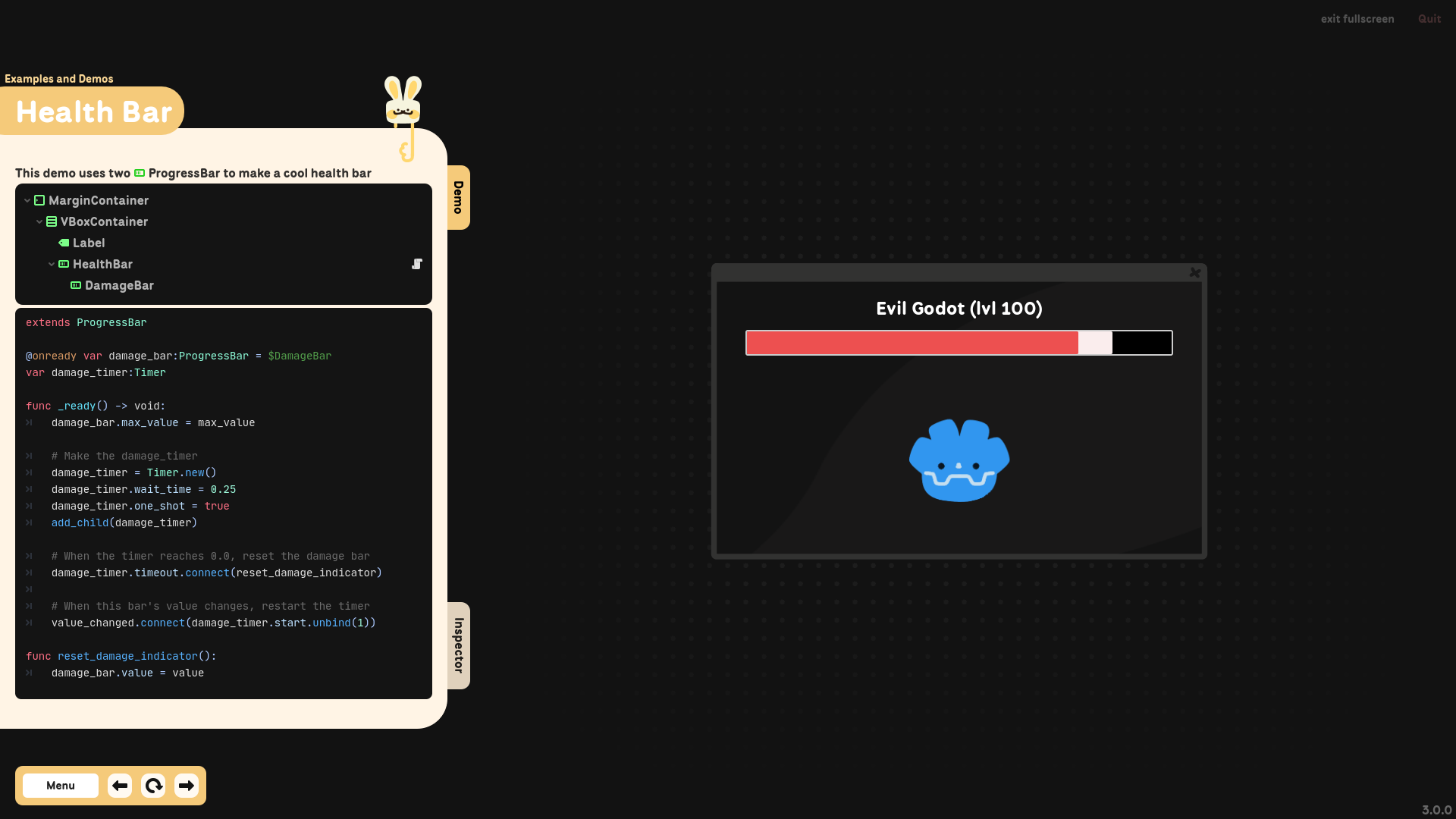
- 🟡Examples and Demos: pages that showcases various UI and Control Nodes
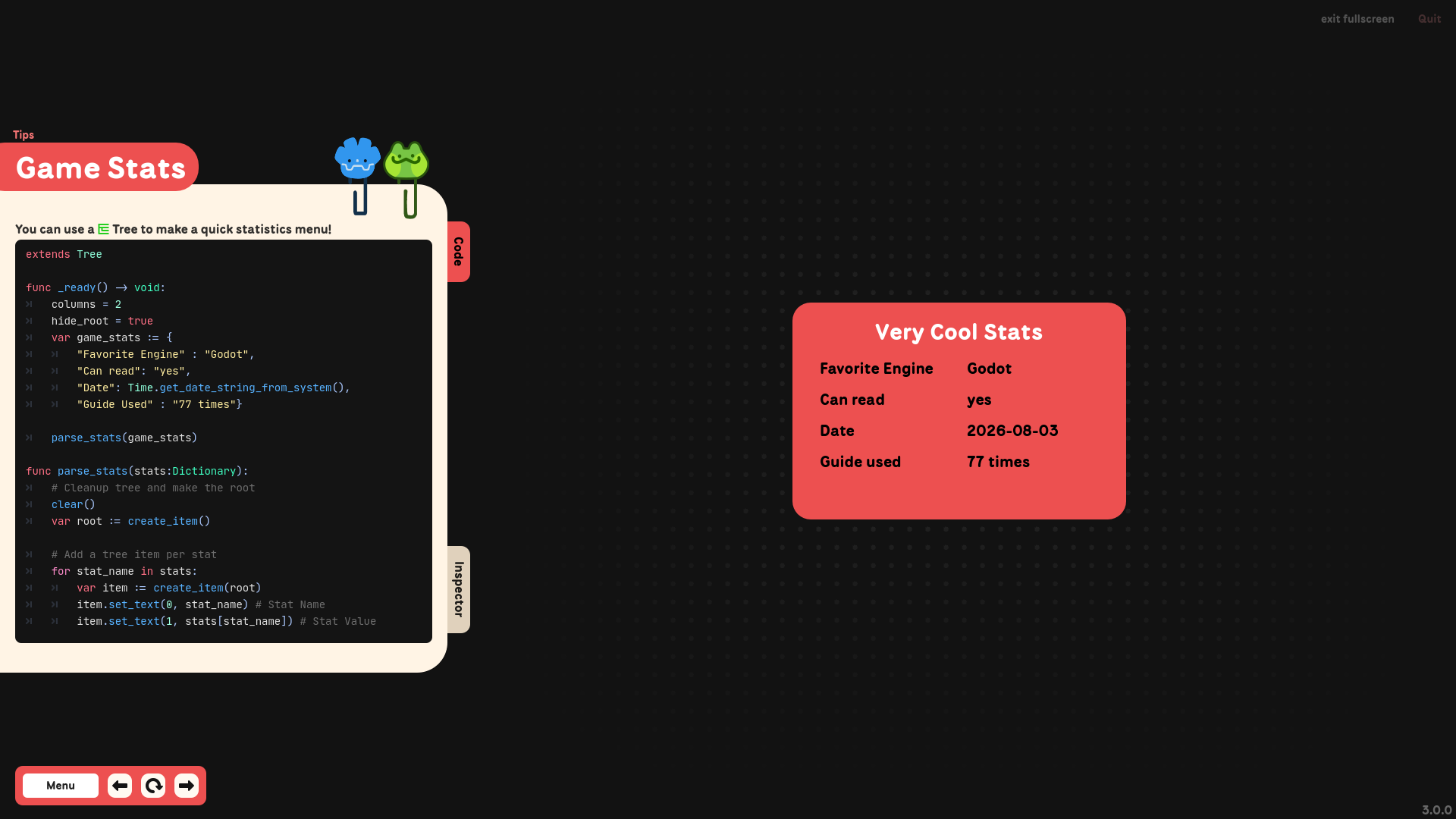
- 🔴Tips: tiny pages with cool tricks or useful info
This guide is written for Godot 4.5 + and GDScript.
How to help
You can support my free guides (and I) in various ways!
- Buy the All-in-One version, that combines all my free guides in one app (+extra)
- Buy the Ready-to-Go collection, that regroups all my free cheatsheets in one download
- Leave a one time donation here on itch
You can also share the guide and leave a review, it helps ALOT!
Commands and Keyboard Shortcuts
Everywhere
- Zoom : +/- or ctrl + mouse wheel or page up/down
Inside a page
- Interact : click and drag with mouse or finger
- Replay : down arrow
- Next page : right arrow
- Previous page : left arrow
Credits and License
Please refer to the credit page inside the guide to see all the credits!
The code snippets provided in this guide are under the CC0 license. You can use them in personal, educational and commercial projects with no attribution required.

Download
Click download now to get access to the following files:
Comments
Log in with itch.io to leave a comment.
Thank you so much definitely sharing this with my friends(:
Happy to help!! Thanks!!
This is honestly one of the best projects I’ve seen! I'm sharing it with a lot of people and highly recommending they use it to learn. Awesome work, keep it up!"
Ty!!!!!
Thank you! This is dope!
Thanks!!
good idea!nice
thanks goddog!
This is sick!!!!
Tyyyyyy 😎
Genuinely the best Godot Guide i have ever used :D
Aw thank you very much!!
wow, this is an amazing resource! I love the sound effects too, they're very satisfying :)
Thank you very much!!
Amazing!
no u!!
This is amazing. So much better than a simple tutorial.
thank you!!!
absolutely genius
No u